
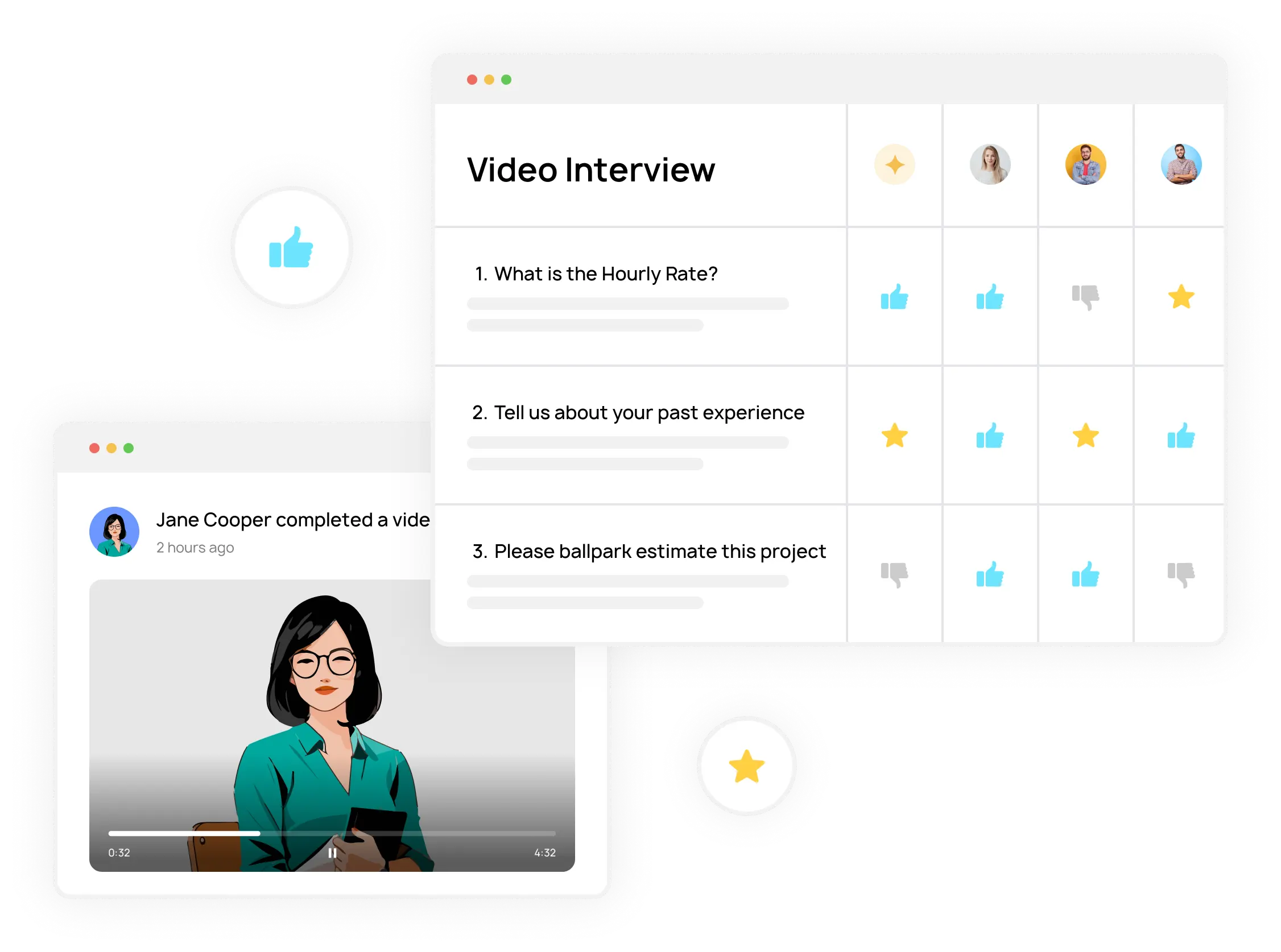
If you run a small business, you probably don’t need a complex Applicant Tracking System (ATS). What you do need is a reliable way to keep track of every applicant you’ve ever talked to, move candidates through clear stages, and collaborate with your team without losing decisions in Slack threads.
This workflow pairs especially well with an on-demand interview (also called an on-demand video interview) because candidates can complete screening asynchronously while your team reviews and scores responses later. If you’re new to the format, start here: What is an On Demand Video Interview and How Does It Work?.
It also complements modern AI recruiting tools: you can use AI to speed up screening and standardize evaluation, but you still need a simple ATS workflow (statuses + scorecards + collaboration) so the team can make decisions quickly. For a forward-looking overview, see: AI Recruiting Tools 2026: Trends, Costs, and Key Players.
This guide gives you a step-by-step hiring process and shows how to run it inside the built-in ATS in 1Way Interview: store applicants, move statuses, share candidates with your team, leave comments, and use scorecards so decisions are consistent.
Key ATS Questions Small Business Owners Ask
- Do I really need a separate ATS? Or am I paying for complexity I won’t use?
- Where should I keep my applicant database? Google Sheets, Indeed inbox, email… what won’t break in 6 months?
- How do I re-activate past applicants? If I hire again next year, will I still have my candidate list?
- How do I avoid “opinion-only” hiring? How can my team evaluate candidates consistently?
- How do I stay fast and respectful? Can I notify candidates automatically as they move through stages?
Why Most Small Businesses Don’t Use a Standalone ATS (and What They Do Instead)
Most small teams either track candidates in Google Sheets or leave them inside job boards (Indeed/LinkedIn) and never revisit them. The result: you pay twice—once in time, and again in missed opportunities—because your best “almost hires” are impossible to find later.
The simplest approach is to keep your candidate database where you already screen candidates. If you run one-way video screening with 1Way Interview, the applicants and their responses stay stored in your account, so you can come back later and re-use your talent pool.
Step-by-Step Hiring Process (Built for Small Teams)
Here’s a practical hiring process that works well for small businesses and doesn’t require a separate ATS.
- Identify needs & define the role: Outline responsibilities, skills, and your decision rule (e.g., “80% match + 20% growth potential”).
- Advertise & source: Use job boards to attract candidates (or share a direct screening link).
- Initial screening (one-way video): Ask standardized questions asynchronously to save time and compare candidates fairly.
- Live interview: Run deeper conversations (Zoom/Teams) and evaluate “5 C’s”: Capability, Confidence, Concern, Command, Communication.
- Assess & select: Review scorecards together, compare evidence, and decide using your rule (70/30 or 80/20).
- Offer & onboarding: Send the offer and run a structured onboarding plan.
Roles & Responsibilities (So Decisions Don’t Drift)
Hiring gets messy when “everyone is involved” but nobody owns the decision. Define roles upfront:
- Hiring Manager / Owner (Sponsor): Defines the role, the decision rule (70/30 or 80/20), and makes the final call.
- Team Members / Interviewers: Join interviews, assess team fit, and provide structured feedback using the same scorecard.
- Admin / HR Support: Coordinates one-way interview invites, ensures technical setup, and keeps candidate communication consistent.
How to Use Statuses to Run the Workflow (Your Built-in Pipeline)
Statuses turn “random hiring activity” into a visible pipeline. In 1Way Interview you can customize most statuses to match your process (with a few system statuses that stay fixed). Once you commit to a shared pipeline, your team always knows what happens next.
A simple pipeline most small teams use looks like: New → In Review → Interview Scheduled → Hired / Rejected. You can also disable statuses you don’t use and rename the ones you do.
For the exact steps on customizing statuses and working with the built-in ATS, see: Managing Candidates in One Way Video Interview with the Built-in ATS.
Automated Candidate Notifications (So Nobody Falls Through the Cracks)
Statuses aren’t just labels—when configured, they can trigger automated emails to candidates. This is the easiest way to stay responsive without spending your day copy/pasting messages.
- Enable notifications per status: choose which stages should email candidates automatically.
- Customize templates: write the exact message candidates receive when you move them to a status.
- Put logistics in the right place: include a scheduling link or meeting details inside the “Interview Scheduled” template.
This keeps communication consistent across your team and protects candidate experience—especially when multiple people are moving candidates through stages.
Scorecards: The Fastest Way to Make Team Feedback Useful
The biggest collaboration problem isn’t “lack of feedback”—it’s feedback without a shared rubric. Scorecards turn opinions into comparable signals.
Use a simple 1–5 scale and require one sentence of evidence for every score. Here’s a scorecard you can reuse for most roles:
Practical Scorecard (1–5) for Small Business Hiring
| Dimension | What to look for (evidence) | 1 | 3 | 5 |
|---|---|---|---|---|
| Capability | Can they do the job? Specific past examples, relevant tools, measurable outcomes. | No proof | Some proof | Strong proof |
| Communication | Clear, structured answers. Can explain decisions and trade-offs. | Unclear | Mostly clear | Very clear |
| Confidence | Owns results, speaks with clarity, not arrogance. Comfortable on camera. | Hesitant | Balanced | Confident |
| Concern | Cares about customers/team; asks good questions; shows responsibility. | Low care | Some care | High care |
| Command | Can lead a task to completion: prioritization, initiative, follow-through. | Passive | Sometimes leads | Consistently leads |
Then use comments and candidate notes to capture your evidence. When everyone uses the same scorecard, your final decision meeting becomes fast: compare scores, review evidence, and decide.
Team Collaboration: What to Share, and With Whom
Collaboration works best when access is intentional. Invite teammates to review interviews, leave comments, and participate in scoring. If you need a deeper guide on team access and sharing, see: Collaborating with Your Recruitment Team.
Putting It Together: Your “Weekly Hiring Rhythm”
- Daily (10 minutes): Review “New”, move obvious no-gos, and keep the pipeline clean.
- Twice per week (30–60 minutes): Team review session: compare scorecards for the top candidates and decide who moves to “Interview Scheduled”.
- After every decision: Move status immediately so notifications trigger and candidates stay informed.
- After the hire: Archive the pipeline—but keep the applicant database for future roles.
Conclusion: Hiring Software for Small Business Should Be Simple
Small businesses don’t win by adding more tools—they win by running a consistent process. If you already screen candidates with one-way video interviews, keeping your candidate database, statuses, scorecards, and team collaboration in the same place is the most practical way to hire faster and more consistently.
Next steps: start with a single role, set up a simple status pipeline, enable notifications for the key stages, and roll out a scorecard to your team. You’ll feel the difference in week one.